
How Do You Change Your Email Address?
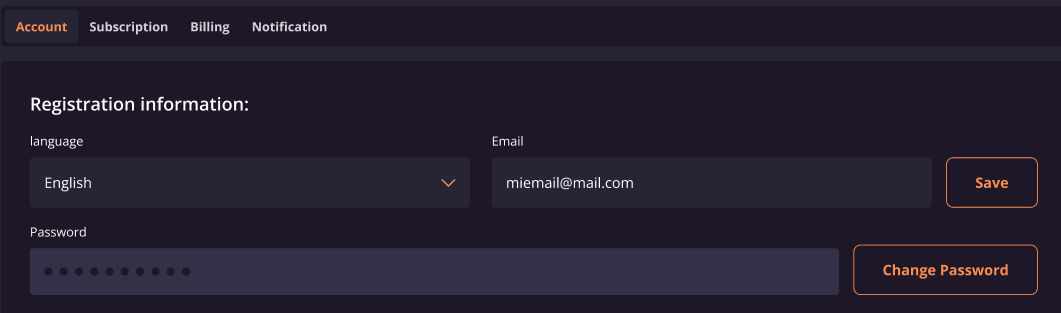
To change your email address, go to Account > Settings, enter your new address in the Email address field, click Save, and verify the change via the confirmation email sent to you. Full steps are below.
- Go to Account > Settings.
- Under the Profile section, locate the Email address field.
- Enter your new email address in the Email address field.
- Click on "Save".
- Check your inbox for a verification email and click the confirmation link inside it. (If you don't see it, check your spam or junk folder.)
Once you verify the email, your email address is successfully updated.
Note: If you don't receive the verification email within a few minutes, check your spam or junk folder. If the verification link has expired, return to Account > Settings, re-enter your new email address in the Email address field, and click Save to request a new verification email.