
How do I update my payment method?
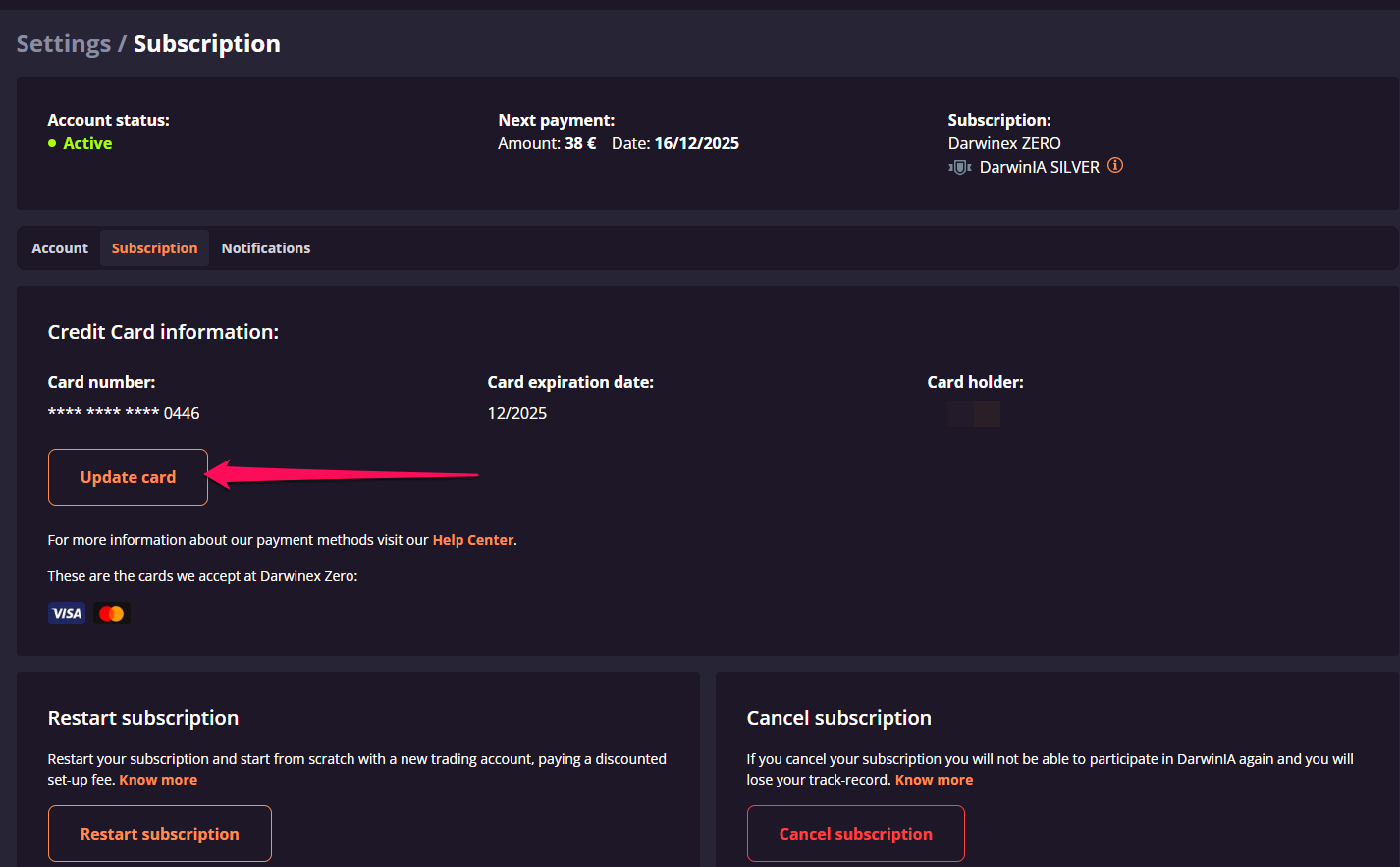
To update your payment method, go to Settings > Subscription and select a new card or switch to a PayPal account. Changes take effect immediately for future payments.
You can update the payment card associated with your account subscription from Settings -> Subscription:
Can I switch between a card and PayPal?
Yes, you can switch between a credit/debit card and a PayPal account at any time from the same Subscription settings page.
